To log out of an application go to the top right of the webpage and click on your profile image and then on “Sign out”. The behavior is similar in all MS 365 online apps
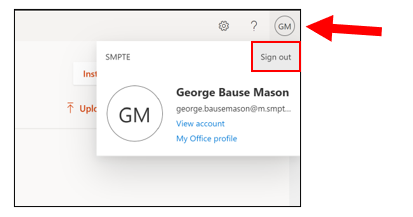
www.office.com
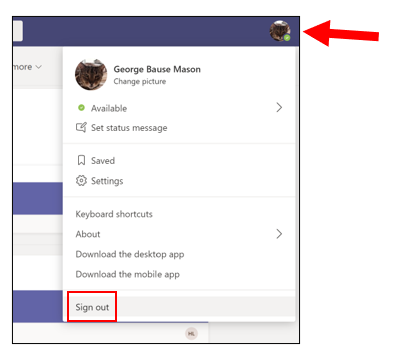
teams.microsoft.com
![SMPTE_logoWHITE-RGB-2.png]](https://www.smpte.org/hs-fs/hubfs/SMPTE_logoWHITE-RGB-2.png?height=40&name=SMPTE_logoWHITE-RGB-2.png)
To log out of an application go to the top right of the webpage and click on your profile image and then on “Sign out”. The behavior is similar in all MS 365 online apps
www.office.com
teams.microsoft.com