![SMPTE_logoWHITE-RGB-2.png]](https://www.smpte.org/hs-fs/hubfs/SMPTE_logoWHITE-RGB-2.png?height=40&name=SMPTE_logoWHITE-RGB-2.png)
The Standards Community (SC) presents itself a bit different in the SMPTE SKN compare to the SMPTE OLC. The SC became a team like any other SMPTE group in the. But unlike other SKN teams, the SC team has a variety of channels which fulfill different functions which we already know from the SMPTE OLC..
The main function of SC is to hold the roster of every SMPTE member with access to the SC. For that reason, only SMPTE HQ can add or remove members from the SC. You will be automatically added to the SC roster/member list once you paid the Standards Participation fee and logged into the SMPTE Microsoft 365 environment for the first time.
The SMPTE SKN SC team has the following other functions (the list may be extended in future):
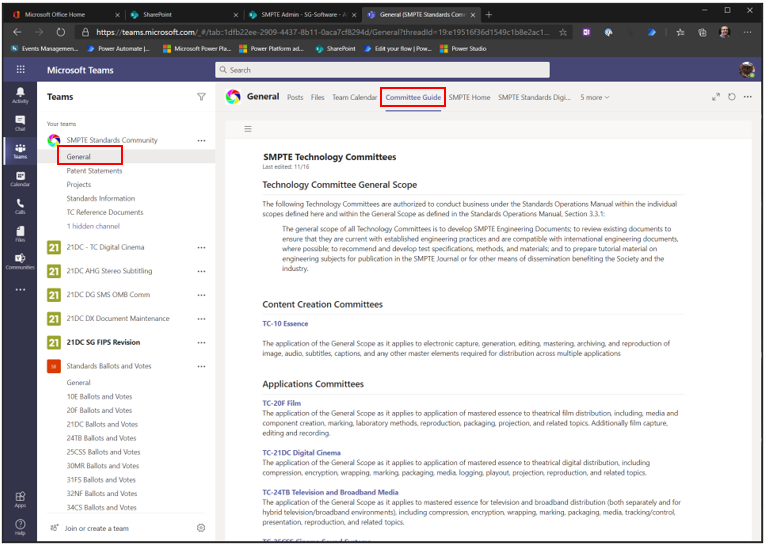
- The “General” channel holds documents (“Files” tab), the SC team calendar (“Team Calendar” tab), a Committee Guide to all TC’s (“Committee Guide” channel) and a variety of relevant websites like the SMPTE website.
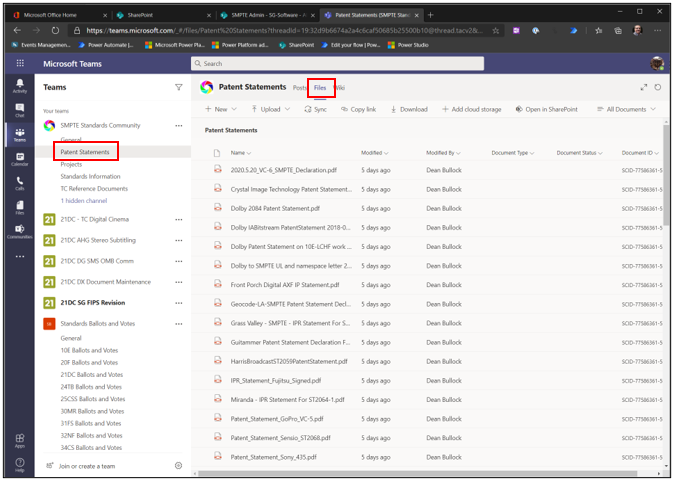
- You can find the SMPTE Patents statements here as well
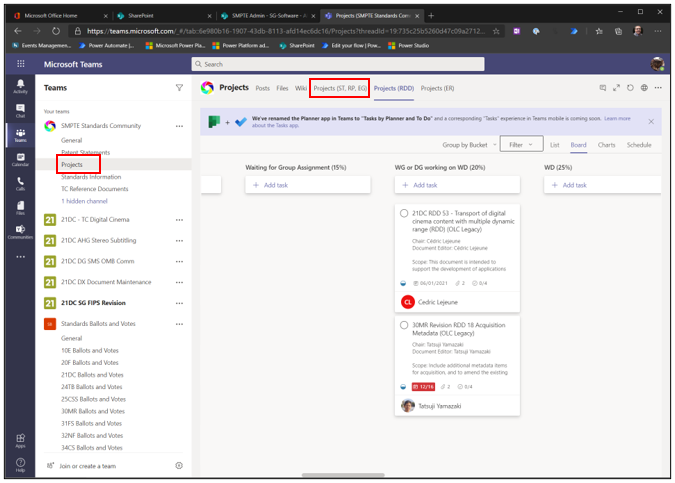
- The SC team also hold the “Projects” channel where you can find all the projects SMPTE SC is working on.