![SMPTE_logoWHITE-RGB-2.png]](https://www.smpte.org/hs-fs/hubfs/SMPTE_logoWHITE-RGB-2.png?height=40&name=SMPTE_logoWHITE-RGB-2.png)
There are two ways to log into the SMPTE SKN environment. One through the Microsoft 365 portal and one through direct links to the Microsoft 365 apps.
Through the office portal (you are required to use your SMPTE login credentials)
- Goto to office.com (www.office.com)
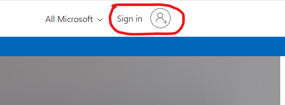
- Click on the ”Sign in” button in the upper right corner of the webpage if you are not already signed in
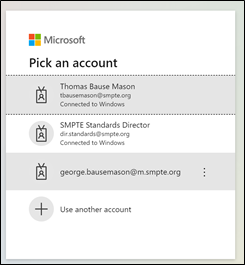
- Select the account you want to use to sign in (your SMPTE account)
- Enter your password
- Select the Teams app from the App Launcher at the upper left side of the webpage
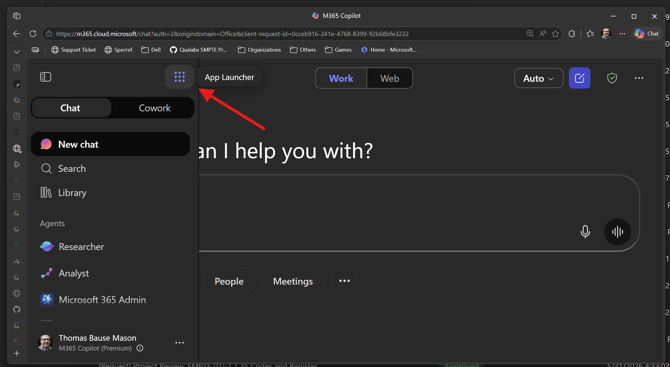
You can also open other Microsoft 365 apps on this page (e.g. Outlook, SharePoint)
You can also open offices apps through direct links, for example …
- microsoft.com for Microsoft Teams
- sharepoint.com for SharePoint
- outlook.com for Outlook
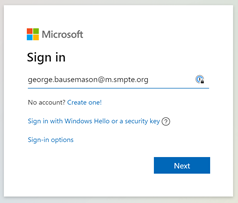
A sign-in may be required as shown below for Outlook